Why I built HTMLAnnotate
Years of website feedback in screenshots, emails and PDFs with arrows, and the simple tool I wanted instead.
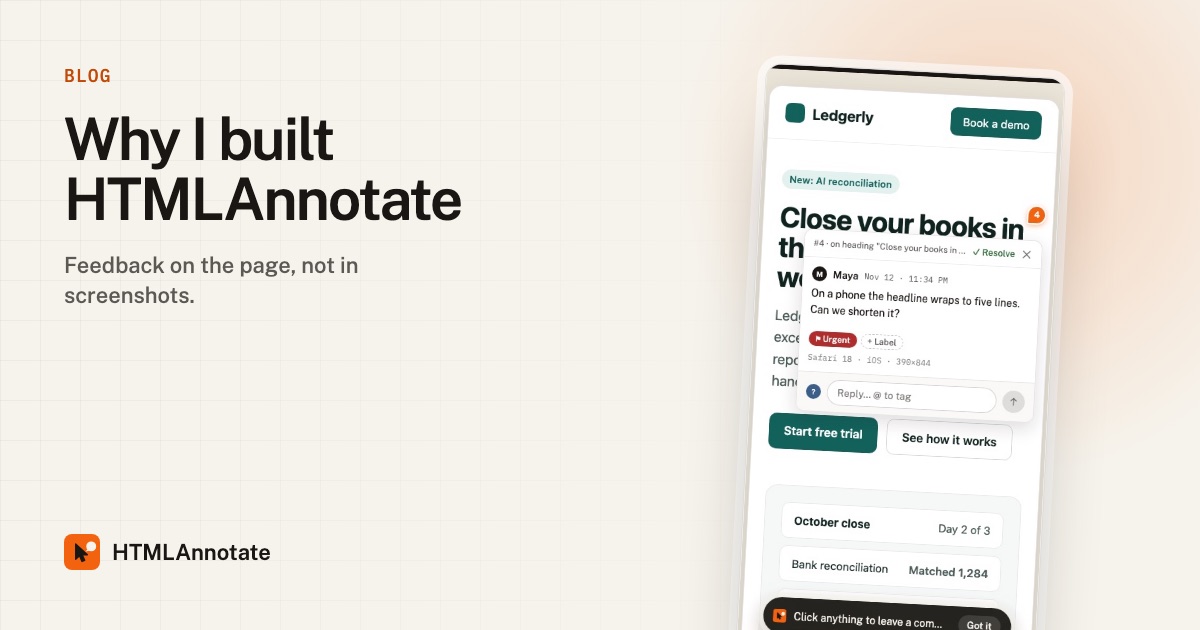
Feedback in screenshots
I am a marketer. A big part of my job has always been getting pages out the door: landing pages, product pages, launch pages. And every one of them went through the same ritual.
Someone would screenshot the page, draw a red circle on it, and paste it into Slack. Someone else would reply to an email from three days earlier with "the button near the top still looks off". A third person would send a PDF with arrows. Half of the work was not making changes. It was working out what each note was about, which version it referred to, and whether it had already been fixed.
The worst ones were the phone notes. "The menu is broken" would arrive with no clue that it came from a phone, and I would spend twenty minutes failing to break it on my laptop.
What I wanted instead
I wanted something embarrassingly simple: send a link, and let people click the thing they mean and type. No account for them. Nothing to install on the site. Phone notes kept on the phone layout. That is it.
There were tools that did parts of this. Some needed a script on the website. Some needed every reviewer to sign up. Some had become expensive enough that I could not justify them for a few pages a month. So I built the version I wanted.
How HTMLAnnotate works today
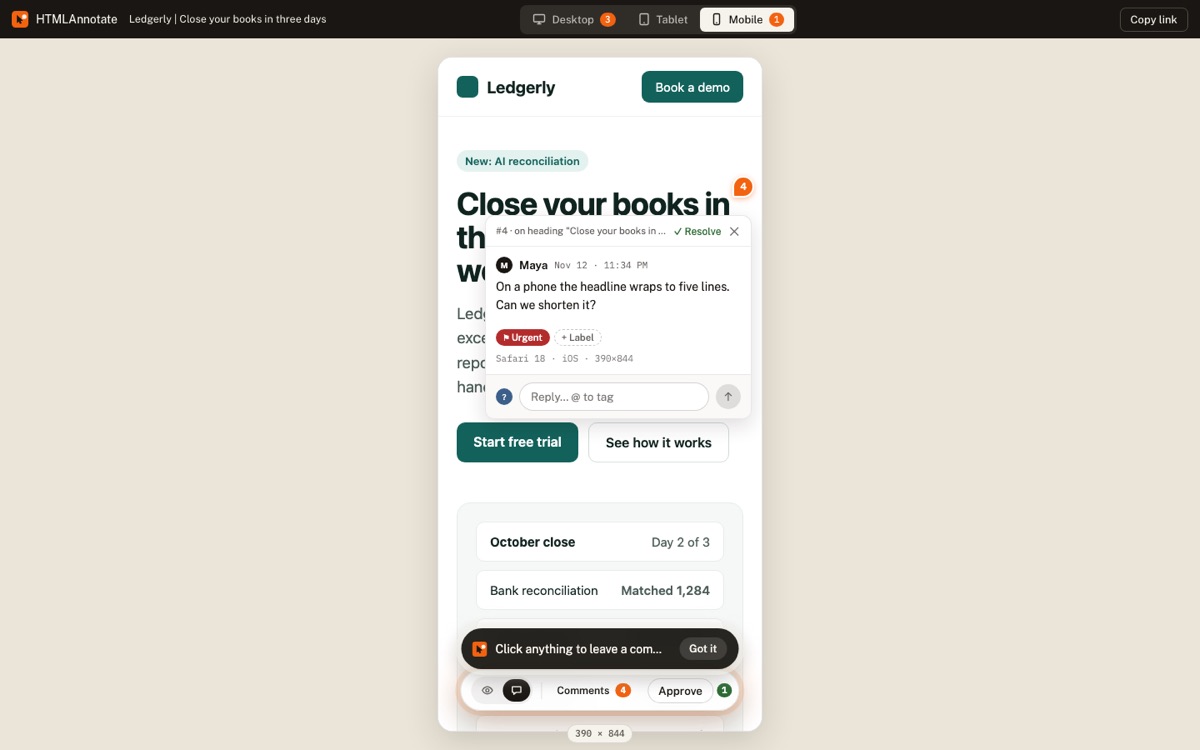
- Paste a link to any page, live or staging, or upload an HTML file or a PDF.
- Send the review link. Reviewers click any heading, image or button and type.
- Desktop, tablet and phone comments stay separate.
- Reviewers can suggest exact new wording, tag people with @, and press Approve.
- You read everything on one page, and Copy for AI turns open comments into a brief for ChatGPT, Claude or Cursor.
That last one came from a newer habit. More and more pages I review were first written by an AI tool. Reviewing them in the chat does not work well, so HTMLAnnotate accepts the HTML file directly and sends clean, element-by-element feedback back to the AI.
Why it is small, and staying that way
HTMLAnnotate is built and run by one person, as part of Little Big Tools, a small studio for focused web tools. That shapes a few decisions:
- It does one job. Feedback and approval on web pages. No project management suite, no bug tracker.
- It is fairly priced. Free for 3 projects with unlimited pages and reviewers. Pro is $8 a month billed yearly. The paid plans exist to keep it running.
- It is private by default. Review links are never on search engines, and free links delete themselves after 14 days.
- You can reach me. Every email from HTMLAnnotate can be answered, and I read the replies.
What is next
On the list: password-protected links, connecting Claude and ChatGPT directly to your comments, deadlines and reminders, and Slack notifications. If there is something you need, tell me at hello@htmlannotate.com. Small tools get better fastest when the people using them speak up.
Try it on a real page. Free, and your reviewers never need an account.
Import a page