The 6 best website feedback tools in 2026
An honest look at the main tools for collecting feedback on websites, with prices taken from each company's own pricing page and a clear note on who each one suits.
How I compared them
I looked at what matters when you send a page to a client or teammate and want useful notes back:
- Reviewer friction. Does the reviewer need an account, an extension or a script on the site?
- Phone feedback. Can people comment on the mobile layout, and do those comments stay separate?
- Price for a small team. What does it cost for one or two people, and is there a free plan?
- Who it is really for. Client approval and bug tracking are different jobs.
| Tool | Free plan | Starts at | Best for |
|---|---|---|---|
| HTMLAnnotate | Yes, 3 projects | $8 a month (yearly) | Websites and AI-written pages |
| Pastel | Yes, 1 canvas | $35 a month | Agency client reviews |
| Markup.io | No | $79 a month | Many file types |
| BugHerd | No | $42 a month | Feedback plus bug board |
| ruttl | Yes, 5 pages | $18 per user a month | All-in-one with editing |
| Marker.io | No | $39 a month | Bug reports to issue trackers |
HTMLAnnotate
Best for: freelancers, small studios and marketers who review websites and AI-written pages.
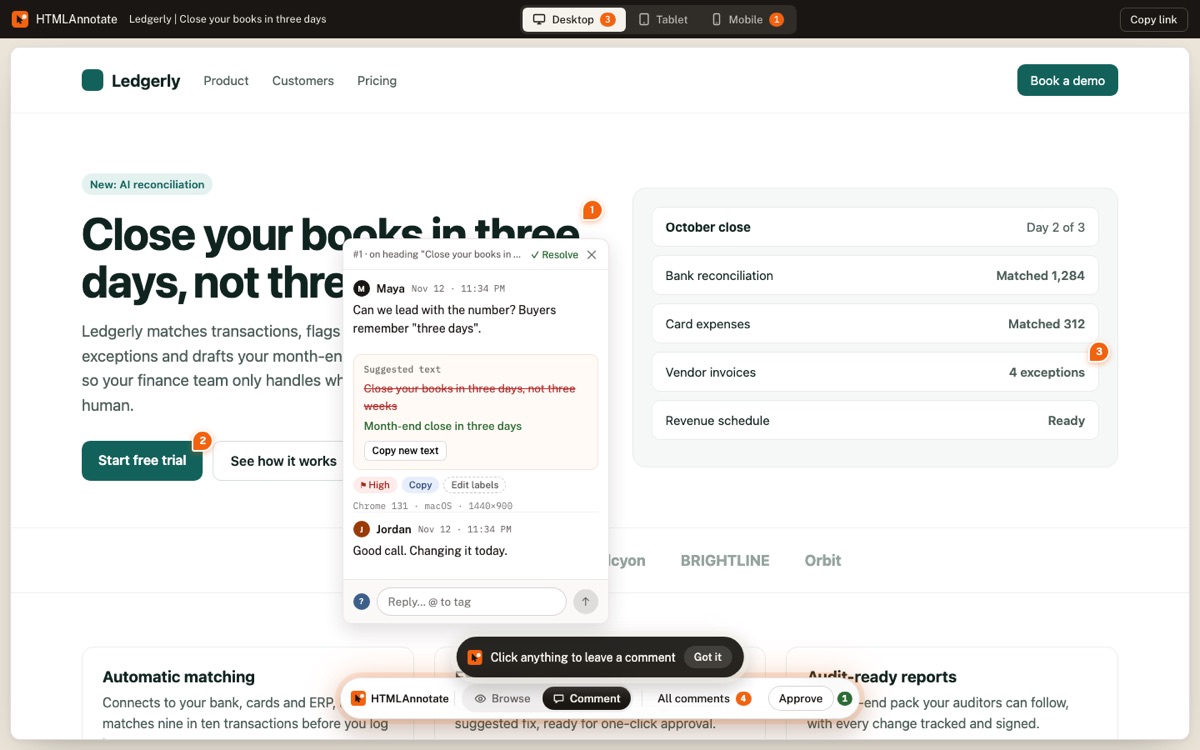
Price: Free for 3 projects with unlimited pages and reviewers (links last 14 days). Pro $10 a month or $8 billed yearly for two people. Team $20 a month for up to 10.
What it does well
- Comments pinned to any element, with separate desktop, tablet and phone comments
- Live imports with scripts and animations running; also accepts HTML files
- Suggested text edits, approvals, @mentions, Copy for AI
Watch out for
- No integrations with Jira or Slack yet
- Websites, HTML files and PDFs, but no images or video
Full disclosure: this is my product. I have tried to judge it by the same standard as the others.
Pastel
Best for: agencies that want an established, polished client review tool.
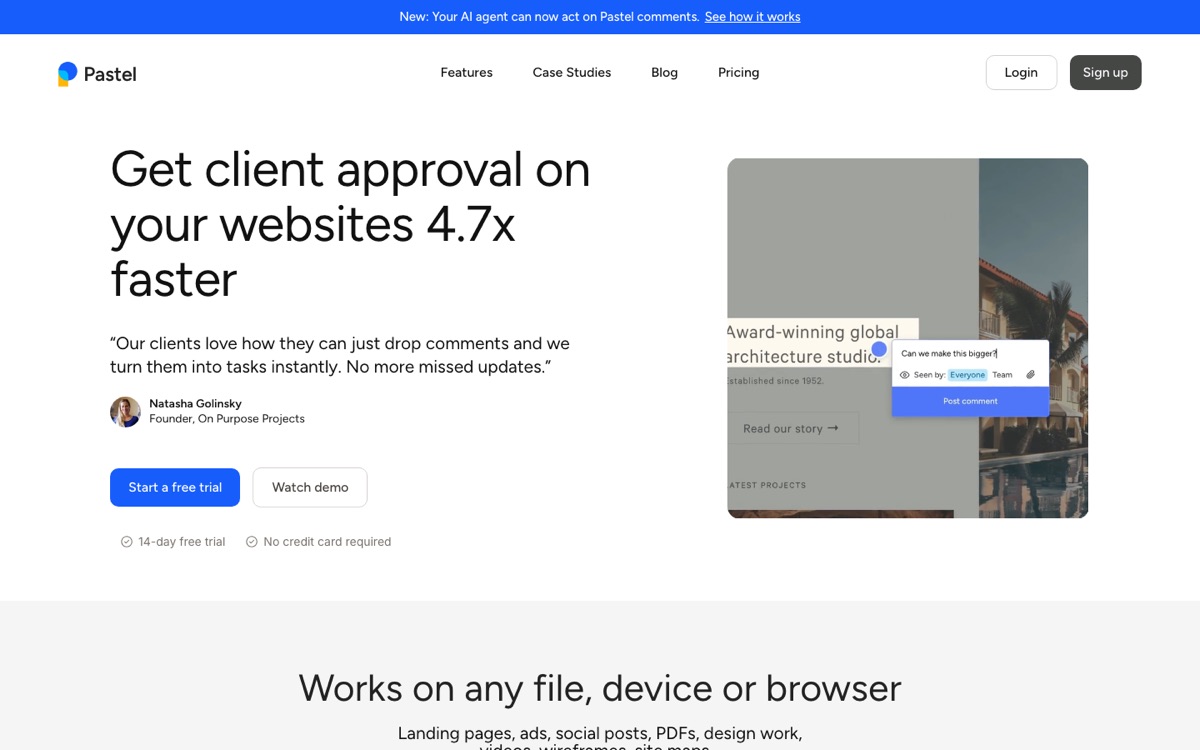
Price: Free for 1 user and 1 canvas. Pro $35 a month for 2 users and 3 canvases. Team from $119 a month. Enterprise from $450 a month.
What it does well
- Mature and widely used by agencies
- Responsive tester, labels, deadlines and attachments on comments
- Integrations with common project tools
Watch out for
- Canvas limits on lower plans
- Costs more than newer tools for small teams
Markup.io
Best for: teams that review many file types (websites, images, PDFs, video) in one place.
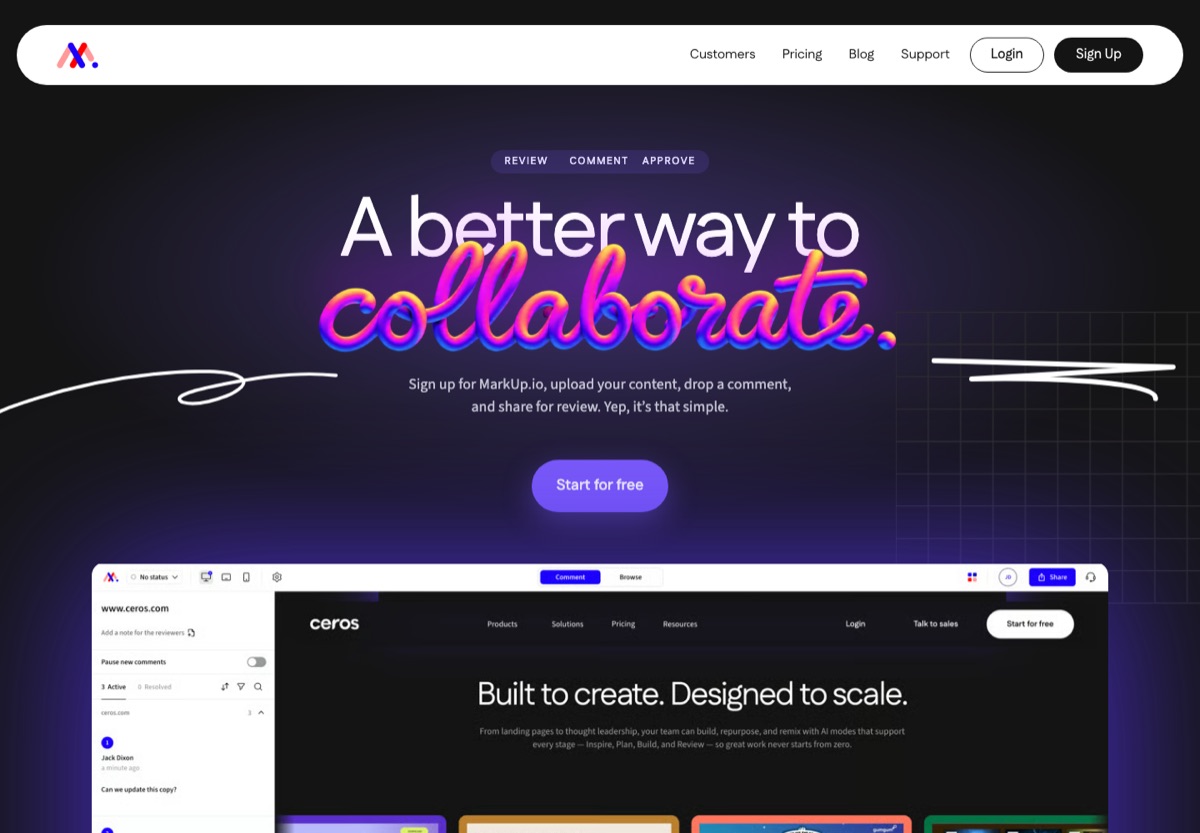
Price: No free plan for creating reviews. Pro $79 a month for 50 MarkUps a month, Business $499 a month. Unlimited users.
What it does well
- One tool for websites, images, PDFs and video
- Unlimited users on every plan
- Long track record
Watch out for
- Expensive for freelancers since the 2025 price change
- No free plan for creators
BugHerd
Best for: web teams that want feedback and a bug-tracking board together.
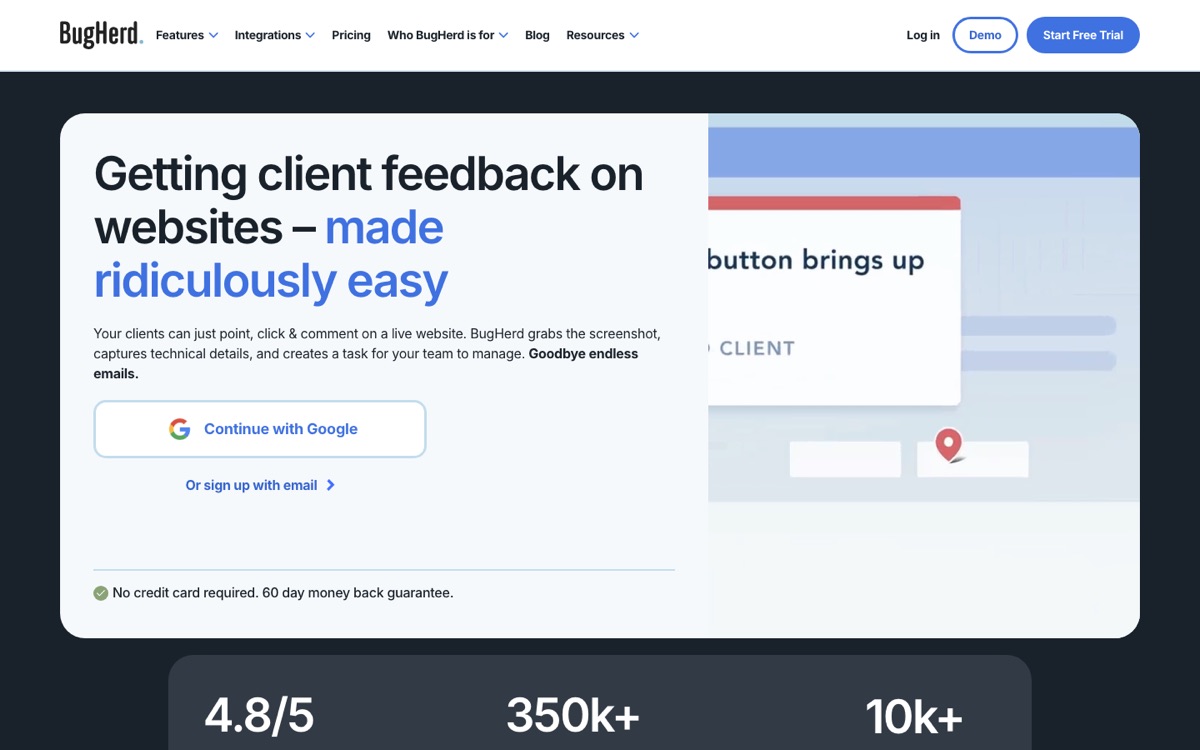
Price: No free plan. Standard $42 a month for 5 members, Studio $67 for 10, Premium $125 for 25 (billed yearly).
What it does well
- Kanban task board built in
- Feedback on websites, Figma designs, PDFs, images and video
- Unlimited client users
Watch out for
- Full workflow needs a script on your site or an extension
- More than you need for simple client sign-off
ruttl
Best for: teams that want feedback, live CSS editing and bug tracking in one product.
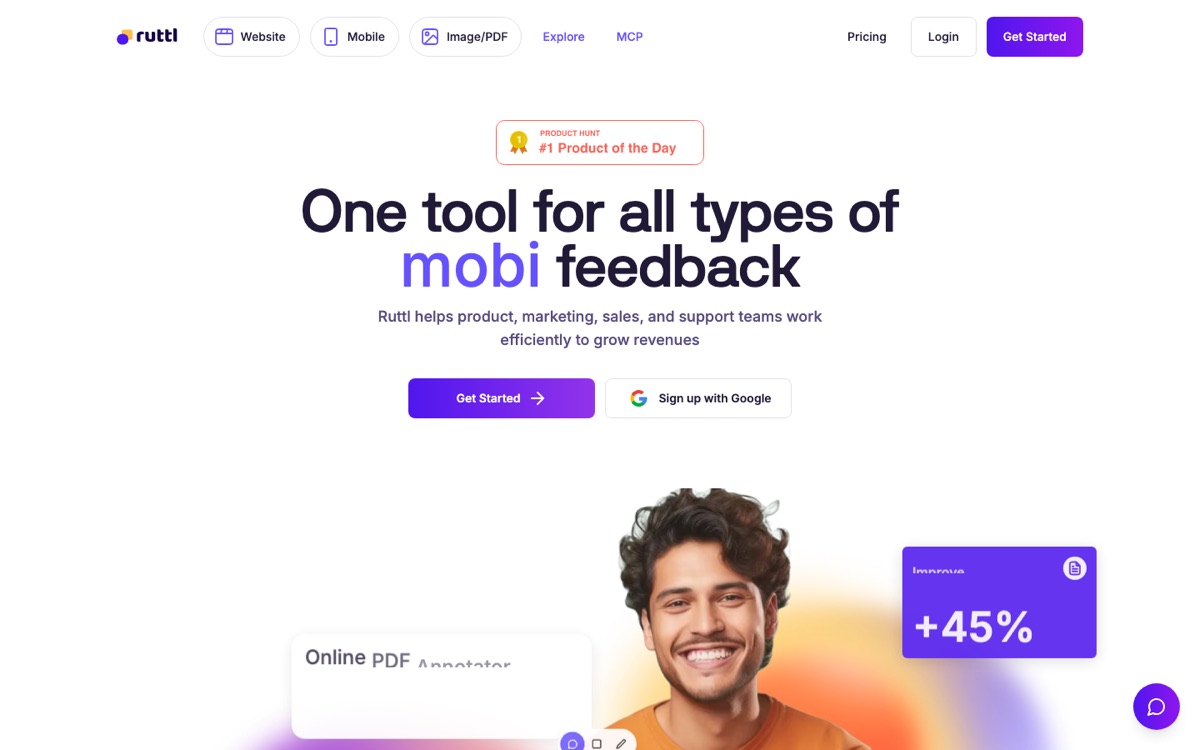
Price: Free Basic plan (up to 5 users, 1 project, 5 pages). Pro $18 per user a month. Business custom.
What it does well
- Covers websites, mobile apps, images and PDFs
- Live editing of text and CSS
- Generous free plan for small teams
Watch out for
- Per-user pricing adds up for bigger teams
- More features can mean more to learn for clients
Marker.io
Best for: QA and development teams that want bug reports in Jira, Linear or GitHub.
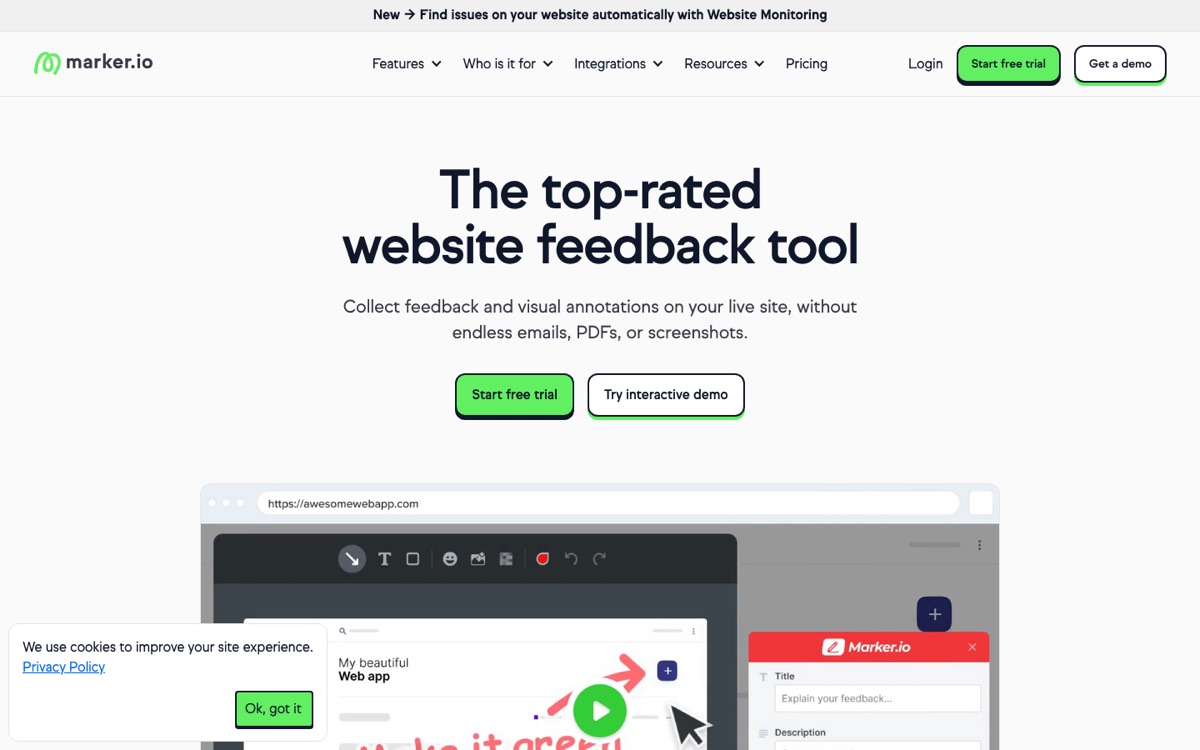
Price: No free plan. Starter $39 a month and Team $149 a month, billed yearly. Business custom.
What it does well
- Deep issue-tracker integrations
- Console logs and technical details with each report
- Widget works on live production sites
Watch out for
- Built for bug reporting rather than client approval
- Needs a widget or extension
Which should you choose?
- Freelancer or small studio, mostly websites: start with HTMLAnnotate Free or Pastel Free. Move to a paid plan when links need to last.
- You review PDFs, images and video too: Markup.io, BugHerd or ruttl cover more file types.
- Developers need tickets: Marker.io or BugHerd.
- You review pages written by ChatGPT or Claude: HTMLAnnotate accepts the HTML file directly and turns comments into a brief the AI can act on.
Whatever you pick, the biggest improvement comes from moving feedback onto the page itself and asking reviewers to check the phone layout. See how to get feedback on a website for a step-by-step process.
Questions
What is the best free website feedback tool?
For more than one project, HTMLAnnotate Free (3 projects). For a small team on one project, ruttl's free Basic plan allows up to 5 users. Pastel Free covers one canvas.
Which tool is best for client approval?
Tools built for review rather than bug tracking: HTMLAnnotate (with an Approve button) or Pastel.
Which website feedback tools need no account for reviewers?
HTMLAnnotate, Pastel and Markup.io let reviewers comment through a link without creating an account.
Try it on a real page. Free, and your reviewers never need an account.
Import a page