Guides
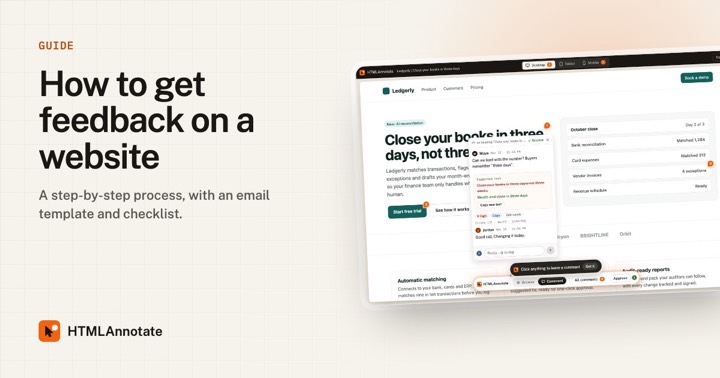 How to get feedback on a websiteA practical, step-by-step process for collecting clear website feedback from clients and teammates, with a request email template, a review checklist and common mistakes to avoid.
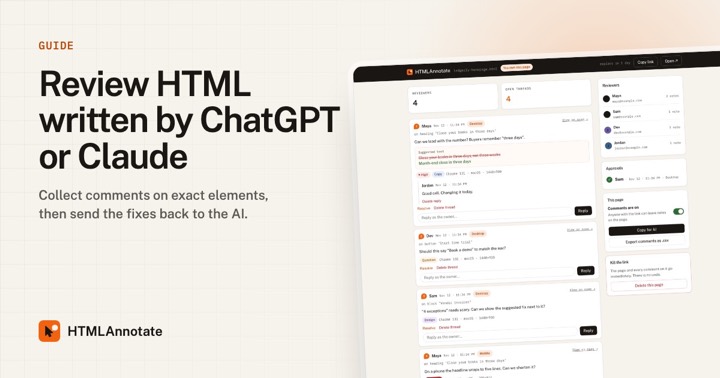 How to review HTML written by ChatGPT or ClaudeAI tools write whole web pages in seconds. A practical loop for reviewing that HTML with your team, collecting comments on exact elements, and sending fixes back to the AI.
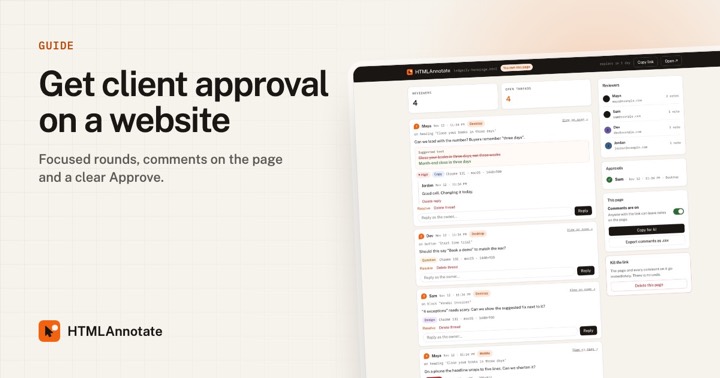 How to get client approval on a websiteA clear process for getting client sign-off on a website or landing page: one review link, focused rounds, comments on the page and an Approve button that records who approved and when.
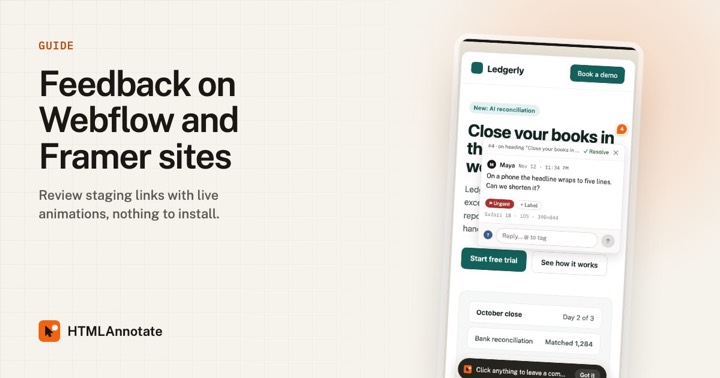 How to collect feedback on Webflow and Framer sitesCollect client feedback on Webflow, Framer, WordPress or Shopify sites, including staging links, with comments pinned to each element, live animations and nothing to install.
Guides to better website feedback
Detailed, practical guides for designers, marketers and founders who review web pages, with templates and checklists you can copy.
How to get feedback on a websiteA practical, step-by-step process for collecting clear website feedback from clients and teammates, with a request email template, a review checklist and common mistakes to avoid.
How to review HTML written by ChatGPT or ClaudeAI tools write whole web pages in seconds. A practical loop for reviewing that HTML with your team, collecting comments on exact elements, and sending fixes back to the AI.
How to get client approval on a websiteA clear process for getting client sign-off on a website or landing page: one review link, focused rounds, comments on the page and an Approve button that records who approved and when.
How to collect feedback on Webflow and Framer sitesCollect client feedback on Webflow, Framer, WordPress or Shopify sites, including staging links, with comments pinned to each element, live animations and nothing to install.
Try it on a real page. Free, and your reviewers never need an account.
Import a page