Let your AI tool fix client feedback with MCP
AI tools can now write a landing page in a minute. The slow part is still the feedback: screenshots, long emails, and you retyping every note into the chat. An MCP server closes that loop, so the AI can share the page, read what your client said, and make the changes.
Where the time goes today
Building a page with an AI tool is quick. Getting it approved is not. A typical round looks like this: you export or deploy the page, send the link, and your client replies with a paragraph, a screenshot with a red circle, and "the second button looks off". You then translate each note into a prompt, paste it into the chat, explain which button you mean, and repeat on the next round.
The AI never sees the feedback itself, only your retelling of it. That is the gap an MCP server fills.
What MCP adds
MCP (Model Context Protocol) is an open standard for connecting AI assistants to other tools. A feedback tool that offers an MCP server lets your AI take actions in it: share a page, read comments, reply. If MCP is new to you, start with what an MCP server is, in plain words.
For feedback, the useful part is that a pinned comment carries more than its text. It knows which element it points to, which screen size the reviewer was on, and any replacement wording they suggested. An AI reading that directly can find the right heading or button in the code without guessing.
The loop, step by step
- The AI makes the page. "Write a landing page for our spring sale."
- The AI shares it. "Share this on HTMLAnnotate so the client can comment." You get a review link for the client and a private manage link for you.
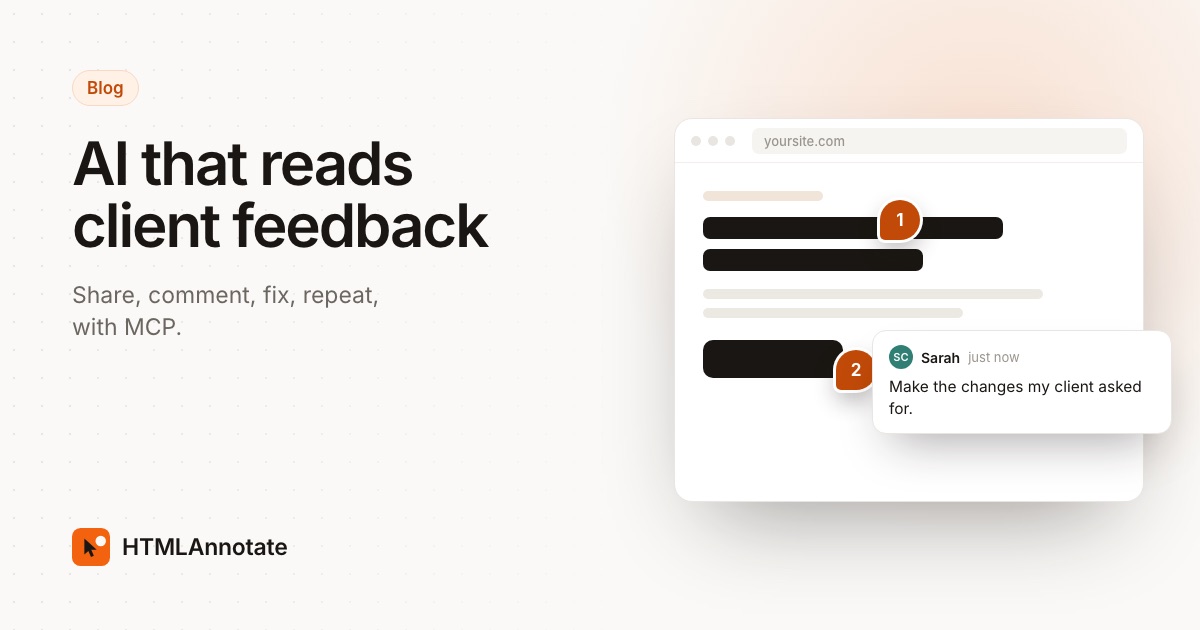
- The client comments. They open the link in any browser and click the headline, an image or a button to leave a note. No account, nothing to install. You get an email when comments arrive, if you gave the AI your email.
- The AI reads the feedback. "What did the client say?" It lists each comment with the element, screen size and any suggested text.
- The AI makes the changes. "Make the changes, but check with me on anything about pricing."
- The AI closes the loop. It publishes the new version on the same review link, replies where you approve the wording, and marks the comments resolved. Everyone in each thread gets an email.
Steps 4 to 6 used to be the copy-and-paste part. Now they are three sentences in the chat.
Setting it up
HTMLAnnotate's MCP server lives at https://mcp.htmlannotate.com. There is no account to create and no API key.
- Claude: open Customize, then Connectors, then Add, Custom, Web. Name it HTMLAnnotate, paste the address and leave authentication off.
- ChatGPT: add a custom MCP server with the address and choose no authentication, where your plan allows custom connectors.
- Claude Code: run
claude mcp add --transport http --scope user htmlannotate https://mcp.htmlannotate.com. - Cursor, VS Code, Windsurf, Codex and Gemini CLI: each has a short config or one-line command on the MCP setup page.
To check it works, ask: "Share a simple test page on HTMLAnnotate." You should get a review link back.
What the AI can and can't do
| Action | What it does |
|---|---|
| Share an HTML page | Publishes a page the AI wrote and returns a review link and a manage link |
| Share a website | Turns a public address, staging link or deploy preview into a review link |
| Read comments | Every comment with its element, screen size, suggested text and replies |
| Reply to a comment | Posts a reply as the page owner; everyone in the thread gets an email |
| Resolve a comment | Marks it done, or reopens it |
| Publish a new version | Replaces an HTML page on the same review link; earlier versions keep their comments |
It can't delete pages, and it can only read pages you shared through it or pasted the manage link for. Links made through the connector currently last 1 day; a free account keeps pages for 14 days and Pro keeps them forever. Signing in through the connector, so the AI can see all your projects, is planned but not available yet.
Live websites and builders
For a site that is already online, such as a staging link, a Webflow or Framer page, or a Vercel preview, the AI can share it and read the comments, but it can't change the site through the feedback tool. The AI works where your site is built: it edits your code in Cursor or Claude Code, or tells you exactly what to change in your builder. You publish as usual, and the review link shows the updated page.
If your AI tool doesn't support MCP
Use Copy for AI instead. On any HTMLAnnotate project, it turns the open comments into one brief you can paste into any chat: each comment with the element it refers to and what the reviewer asked for. It is one paste instead of one per comment.
Prompts that work well
- "List the changes before you make them." You catch misreadings before they reach the page.
- "Skip anything about price or legal wording and flag it to me." Some comments need a person.
- "Draft replies, but don't send until I say." Replies email your client, so check the tone first.
- "Only resolve comments you actually changed." Keeps the comment list honest.
- "Publish the new version and tell reviewers what changed." Your client sees the update on the same link.
Other feedback tools and MCP
You are not limited to HTMLAnnotate. Several feedback tools added MCP servers in 2026, checked on each tool's own site on 14 November 2026:
- Pastel has an MCP server with 19 tools, plus options to copy comments as a prompt and upload HTML from an AI agent.
- ruttl has one that lets agents read threads, fix code and resolve threads, and a separate one for mobile apps.
- BugHerd has one labelled beta, free for subscribers.
- Marker.io and Userback offer them to customers too.
The differences are in what you need before you start. Those tools need an account and, for BugHerd and Marker.io, a paid plan. HTMLAnnotate's connector works with no account or key, and it can publish a page the AI wrote straight from the chat. If you already use one of the others, try its MCP server first; the loop above works the same way.
Questions
Can Claude read comments from my client?
Yes, if you connect a feedback tool's MCP server. With HTMLAnnotate's server, Claude can read every comment on a page you shared, including the element each comment is pinned to, the screen size and any suggested text, then make the changes and mark the comments resolved.
Does my client need Claude or ChatGPT?
No. Your client gets an ordinary review link and comments in any browser, on a laptop or a phone, without an account. Only you need the AI tool.
Which AI tools can use an MCP server?
Claude, ChatGPT, Claude Code, Codex, Gemini CLI, Cursor, VS Code with Copilot, Windsurf and most other AI tools that support remote MCP servers. The setup is a connector address or a one-line command.
Can the AI change my live website?
Not through the feedback tool. For an HTML page shared through the connector, the AI can publish the next version on the same review link. For a live site, the AI edits your code or builder content and you publish it as usual.
Is it safe to let an AI act on feedback?
Keep a person in the loop. Ask the AI to list the changes it plans before it makes them, check replies before they are sent, and review the new version before your client sees it. HTMLAnnotate's connector can't delete pages and only sees pages you shared or pasted the private link for.
Add https://mcp.htmlannotate.com to your AI tool and ask it to share a page for review. Free, with nothing to sign in to.
Start a free review