What is an MCP server? A plain guide for designers and marketers
MCP keeps coming up in AI tools: connectors in Claude, apps in ChatGPT, servers in Cursor. Most explanations are written for developers. This one is for people who make websites, write copy and run campaigns.
The short answer
An AI assistant on its own can only talk. It can write a page, but it can't publish it. It can draft an email, but it can't see your inbox. An MCP server is a connector that gives the assistant hands for one specific tool, so it can take actions there when you ask.
MCP stands for Model Context Protocol. It is an open standard for those connectors, first published by Anthropic in 2024 and now supported by many AI apps, including Claude, ChatGPT, Cursor and VS Code. Because it is a shared standard, one server works in all of them.
A way to picture it
Think of USB. Before it, every printer and camera needed its own cable. With one standard plug, any device works with any computer. MCP does the same for AI tools: a company builds one MCP server, and every AI app that speaks MCP can use it.
What an MCP server actually does
Each server offers a short list of actions, often called tools. The AI reads that list and decides which action fits what you asked. Some typical examples:
- Read a file or a design and summarise it.
- Look up today's data in an analytics or sales tool.
- Create a task, a calendar event or a draft.
- Publish a page and return a link.
- Read feedback people left and act on it.
You stay in the chat and ask in normal words. The AI picks the action, shows you what it is doing, and comes back with the result.
A worked example: sharing a page for feedback
Here is what this looks like with HTMLAnnotate's MCP server, which offers a handful of actions: share an HTML page, share a website link, read comments, reply to a comment, mark a comment resolved, and publish a new version.
- You ask Claude to write a landing page.
- You say: "Share this on HTMLAnnotate for client feedback." Claude uses the share action and gives you a review link plus a private link for managing comments.
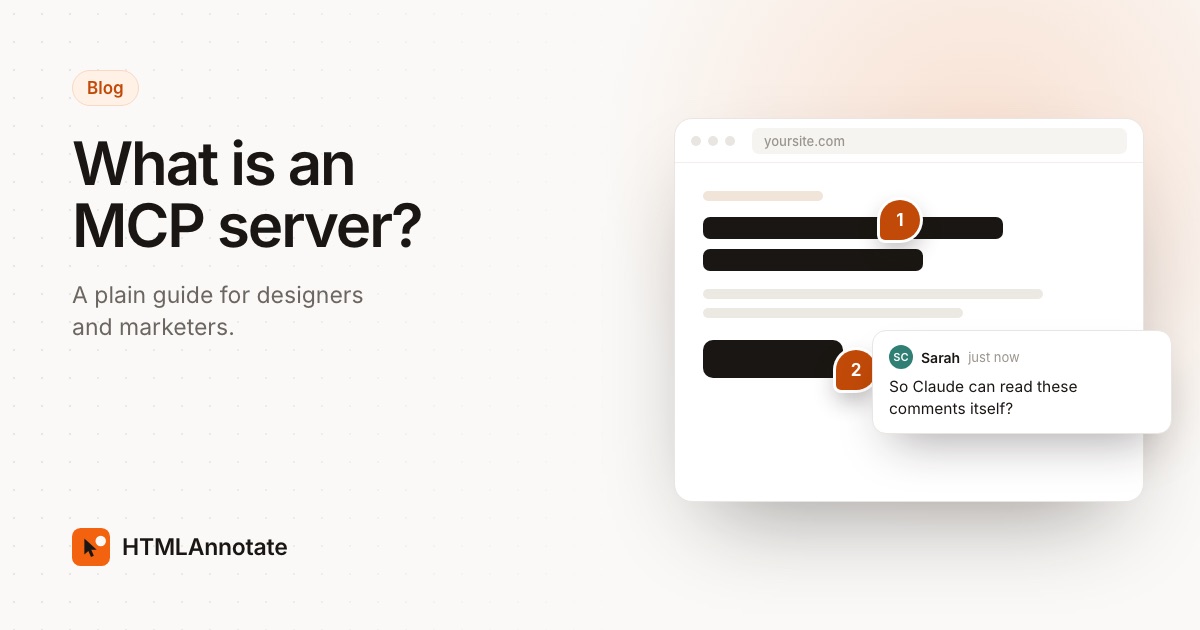
- Your client opens the review link in any browser and clicks parts of the page to comment. They don't need Claude or an account.
- Later you paste the private link and say: "Read the comments and make the changes." Claude uses the read action, gets each comment with the exact element it refers to, edits the page and marks the comments resolved.
Without MCP, every step in the middle would be copying and pasting. The full walkthrough is in how to review a page Claude made, with your client.
How to add an MCP server
The exact menu names change as apps update, but the steps are similar everywhere:
- Claude: open Customize, then Connectors, and add a custom connector with the server's address.
- ChatGPT: add it as a custom connector in its settings, where your plan allows it.
- Claude Code, Codex, Cursor, VS Code: run the one-line command or paste the short settings snippet the server's page gives you.
For HTMLAnnotate the address is https://mcp.htmlannotate.com, with no account or key. The setup page has the steps for each app.
What to check before you trust one
- Who runs it. Add servers from companies you would give the same access to directly.
- What it can do. A server that can only read is lower risk than one that can send, delete or pay.
- What it sends. AI apps usually show the action and its details before it runs. Read them, especially the first few times.
- Where your data goes. Anything the AI sends to a server is stored by that service under its own privacy policy.
Why it matters for designers and marketers
Most of the slow parts of design and marketing work are hand-offs: exporting, uploading, copying feedback from one place to another, updating a tracker. MCP servers let the assistant you already write with do those hand-offs, so you can stay on the work itself. Start with one server for a tool you use every day and see which steps disappear.
Questions
What does MCP stand for?
Model Context Protocol. It is an open standard, first published by Anthropic in 2024, for connecting AI assistants to other tools and data. It has since been adopted by many AI apps, including ChatGPT, Cursor and VS Code.
Do I need to code to use an MCP server?
No. In Claude and ChatGPT you add one by pasting its address into the connector settings. Developer tools like Claude Code use a one-line command, which the server's own page gives you.
Is an MCP server the same as a plugin?
Close. It plays the same role as a plugin, but one MCP server works in many AI apps instead of being built for a single one.
Are MCP servers safe?
They are as safe as the company running them. Only add servers from tools you would trust with the same access, check what the server can do, and read what the AI is about to send before you approve an action.
What is an example of an MCP server?
HTMLAnnotate's server lets Claude or ChatGPT share a page it wrote as a review link, then read the comments people leave and mark them resolved. Others connect to calendars, design files, databases or project tools.
Try an MCP server in two minutes: add HTMLAnnotate to Claude and ask it to share a page for review. Free, no account.
Start a free review