How to get feedback on a Shopify store before launch
A new Shopify store sits behind a password page until launch, which is exactly when you need the owner and a few friends to look at it. Here is how to run a pre-launch review that actually gets useful notes.
The password page problem
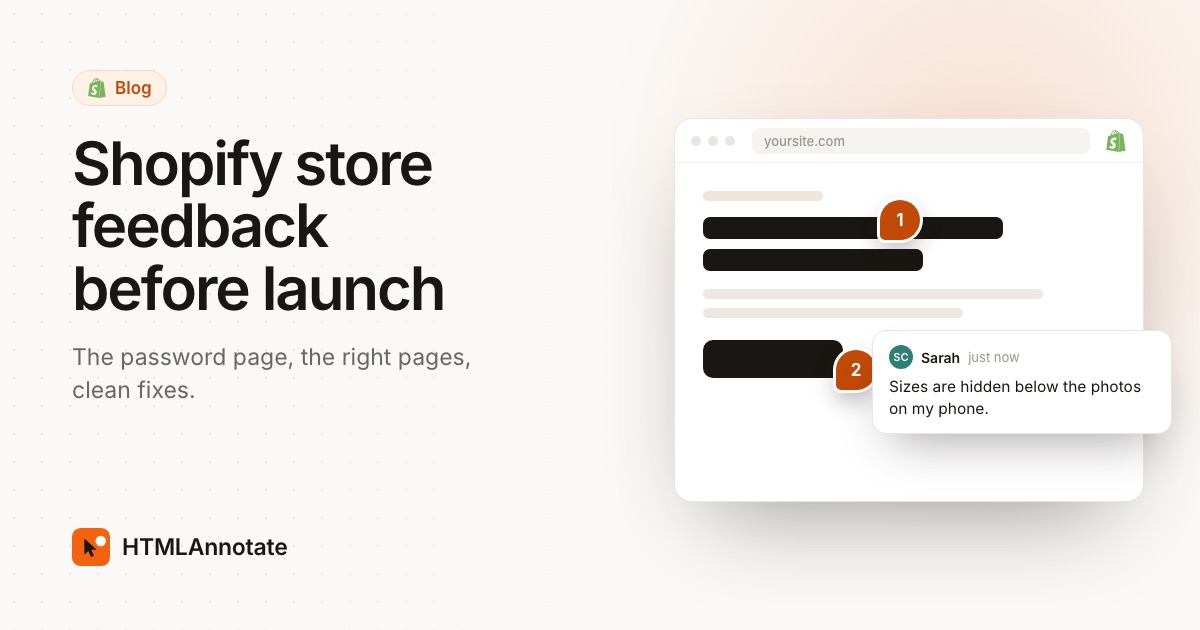
New Shopify stores start behind a password page, and it stays there until you open the store. That keeps the public out, but it also gets in the way of feedback:
- Sharing the storefront password works for a quick look, but notes come back by email and screenshots.
- Review tools that load the page can't get past Shopify's password form, so they can't show the store.
- Shopify's theme preview links let people see an unpublished theme, but visitor links expire after 2 days and have no way to comment.
Your options, compared
| Option | Reviewers see | Comments on the page | Good for |
|---|---|---|---|
| Share the storefront password | The store as visitors will | No | Friends and family taking a quick look |
| Shopify theme preview link | A draft theme, for 2 days | No | Showing a new theme before switching |
| Public for a short window, with a review link | The store as visitors will | Yes, pinned to each element | A proper review round with the owner |
Step 1: open the store for a short window
In the Shopify admin, open Online Store and change the store from Private to Public, which removes the password page. On a trial, Shopify may ask you to finish a setup step first. Agree a deadline for comments with the owner, so the store isn't open longer than needed, and switch it back to Private afterwards if launch day isn't here yet.
Step 2: create the review link
Paste the store address into HTMLAnnotate. You get a review link and a private manage link. Every page of the storefront is reachable from it, and each page keeps its own comments. Nothing is installed on the store and no theme code changes. Sign in first if the round will take more than a day.
Step 3: tell reviewers exactly which pages to check
Shopify stores repeat the same templates, so you don't need anyone to review the whole catalog. Send a short list:
- The homepage.
- One collection page.
- Two or three product pages: one with many photos, one with variants such as size and colour.
- The cart, and the shipping and returns policies.
Ask them to start in the Mobile view. Collection grids, product galleries and add-to-cart buttons usually need the most work on phones.
Step 4: split theme fixes from product fixes
Store feedback mixes two kinds of change, and they live in different places:
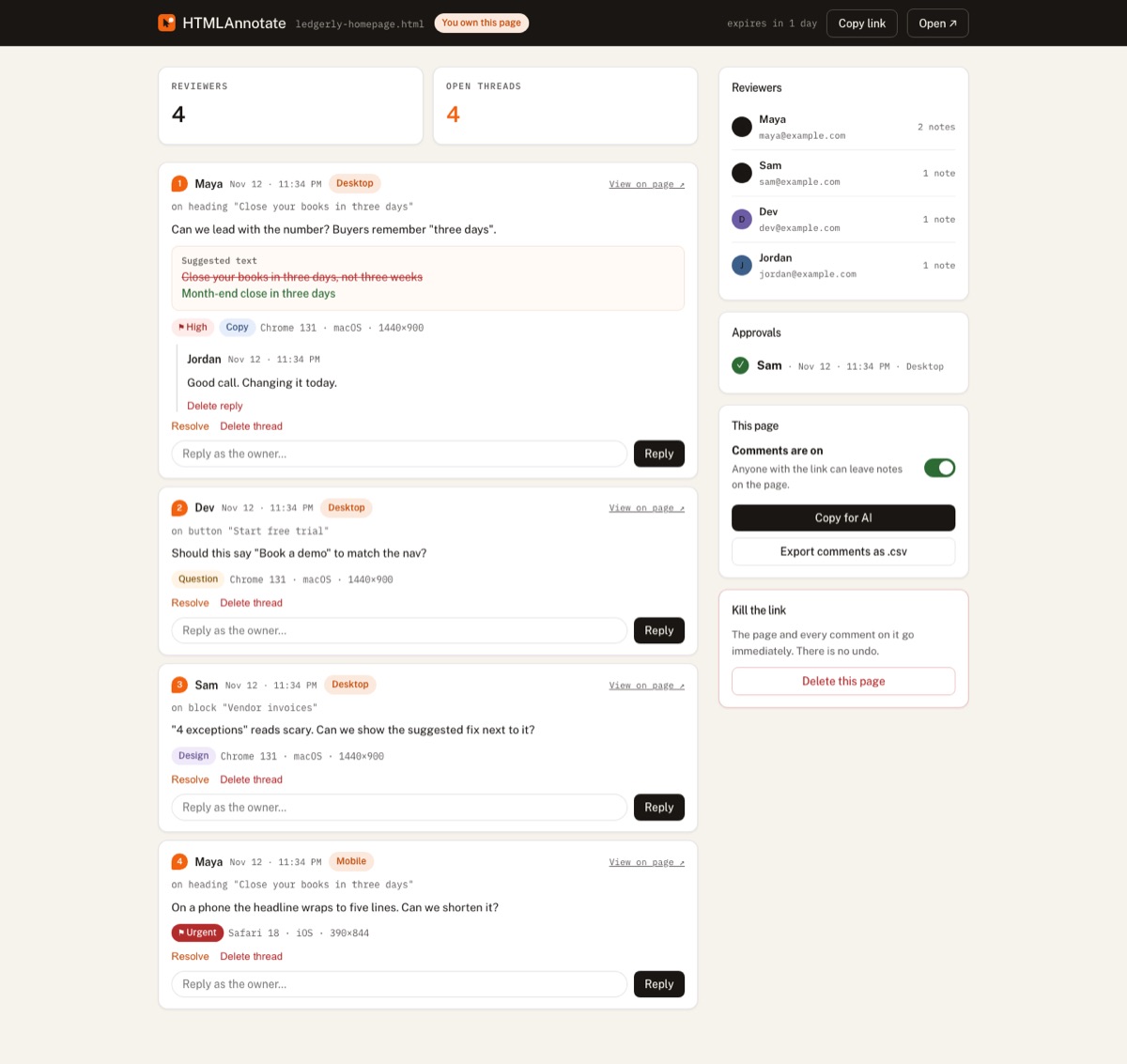
- Product and content fixes such as descriptions, prices, photos and policy text are made in the Shopify admin. Label these Copy.
- Theme fixes such as layout, spacing and broken sections are made in the theme editor or code. Label these Design or Bug.
That keeps a developer from opening theme files for a typo, and lets the owner fix their own product copy. Tag the right person by email on each comment.
Step 5: test checkout separately
Checkout runs on Shopify, so it isn't part of a review link, and add to cart may not complete inside the review. Before launch, place a real test order on the store itself, using Shopify's test payment options or a heavily discounted product you refund afterwards.
Step 6: sign off and launch
Reopen the review to check fixes in place, resolve each comment, and ask the owner to press Approve. Then either launch, or set the store back to Private until the date. On launch day, run through the website launch checklist.
More on how HTMLAnnotate works with Shopify is on HTMLAnnotate for Shopify.
Questions
Can people review a Shopify store that has a password?
They can visit it if you give them the storefront password, but review tools that load the page can't get past Shopify's password form. For a review round, make the store public for a short window and set it back to Private afterwards.
What about Shopify theme preview links?
Shopify can share a preview of an unpublished theme. Visitor preview links expire after 2 days and have no way to leave comments, so they suit a quick look rather than a review round.
Which pages should reviewers check?
The homepage, one collection page, two or three product pages with different numbers of images and variants, the cart, and the main policy pages. Templates repeat, so fixing one product page usually fixes them all.
Can reviewers test checkout?
Not inside a review tool, because checkout runs on Shopify. Place a test order on the real store with a test payment method or a heavily discounted product before launch.
Do reviewers need a Shopify account?
No. With a review link they only give their name and email once, then comment on any page of the storefront. Nothing is installed on your store.
Paste your store address and get a review link people can comment on. Free, no account for reviewers.
Start a free review