Website launch checklist
Fifty checks to run before a website goes live, grouped the way a launch actually happens. Tick them off on this page: your progress is saved in your browser, and you can copy the whole list into a document or ticket.
1. Content and copy
2. Design on every screen
3. Links and navigation
4. Forms and conversions
5. Search engines
6. Speed
7. Accessibility
8. Privacy, legal and security
9. Analytics and tracking
10. Launch day and the week after
How to run the review part without endless emails
Sections 1 and 2 depend on other people: the client, a colleague, someone on a phone. That is where launches usually slip, because feedback arrives as screenshots, voice notes and long emails that have to be matched to the page by hand.
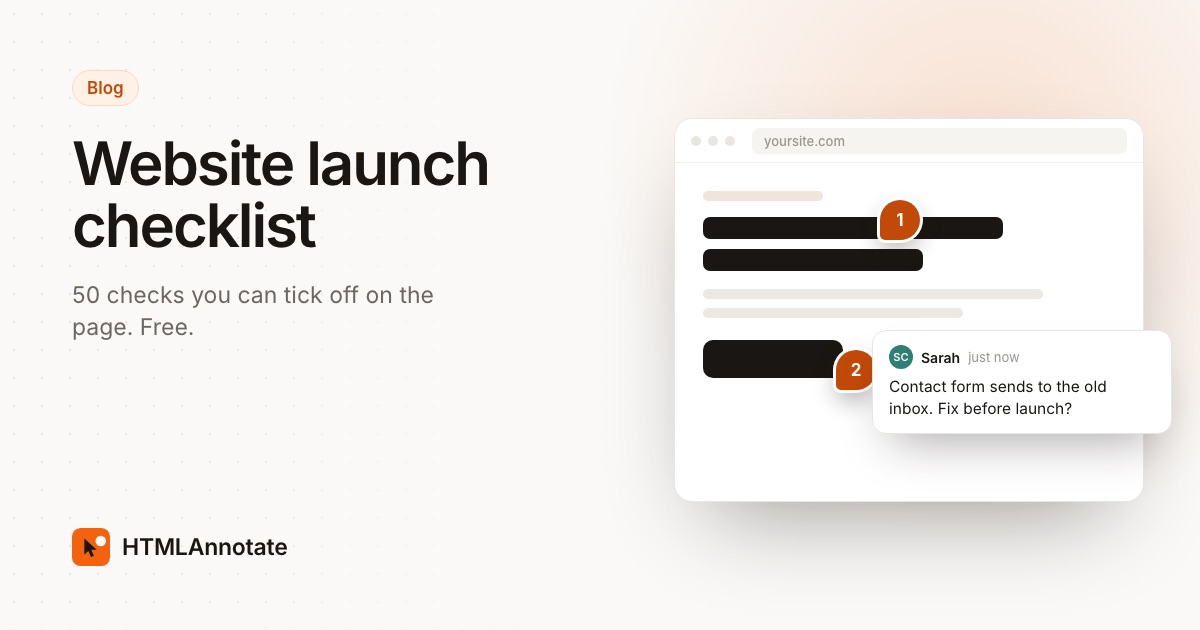
Send reviewers the staging link in a tool where they click on the page to comment. Each note is pinned to the exact element, desktop and phone comments stay apart, and you tick items off as you fix them. With HTMLAnnotate that works on any staging link, including sites behind a browser password box, and reviewers never need an account.
For the sign-off itself, see how to get client approval on a website.
Questions
When should I start the launch checklist?
Start the content and layout checks one to two weeks before launch, while there is still time to fix what reviewers find. Leave the launch-day section for the day itself.
Who should review a website before launch?
At least one person who didn't build it, the client or a stakeholder who signs it off, and someone checking on a real phone. Fresh eyes catch broken links and unclear copy that the builder no longer sees.
Is my progress saved?
Yes, in your own browser on this device. Nothing is sent to us. Clearing your browser data or switching devices starts the list fresh, so use Copy as text to keep a record.
What are the most commonly missed launch checks?
Forms that send to the wrong inbox, staging pages left open to search engines, missing redirects from old URLs, leftover dummy text, and pages that look fine on desktop but break on a phone.
How do I collect feedback on the staging site?
Send reviewers a link where they can click on the page and comment, so every note is tied to the exact element. HTMLAnnotate does this for any staging link, including sites behind a browser password box.
Get the review part done faster: send the staging link and collect comments pinned to the page. Free, no account for reviewers.
Start a free review