

Start a Make scenario from every comment
Make's custom webhook receives every HTMLAnnotate event, so a new comment or approval can start any scenario you build.

What you get
What Make receives. Every comment event, ready to use in your next step.
- New comments
With the comment number, the screen size, the element it is pinned to and the comment itself.
- Replies
When you, a teammate or a reviewer answers a comment.
- Resolved comments
When a comment is marked done.
- Approvals
When a reviewer approves a version of the page.
- Change requests
When a reviewer asks for changes instead of approving.
Set it up
Connect Make in 4 steps.
- 1
In Make, create a scenario that starts with Webhooks and Custom webhook. Add a webhook and copy its address.
- 2
In HTMLAnnotate, open Integrations, then Webhooks. Paste the address and press Save.
- 3
Leave a comment on one of your pages so Make learns the fields.
- 4
Add your next modules and switch the scenario on.
Use a Router or Filter in Make to treat new comments, approvals and change requests differently.
Open Integrations in the app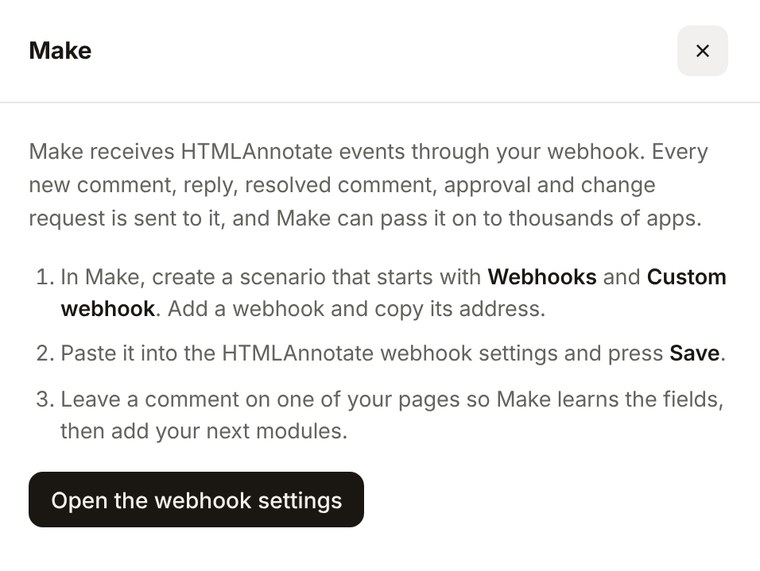
Make questions.
Pro is $15 a month, or $12 a month billed yearly. Team is $40 a month for 5 people, or $32 billed yearly.
See pricingDoes Make need to learn the data first?
Yes. After you add the webhook, leave one comment on a page so Make sees a real message and offers its fields.
Which events reach Make?
New comments, replies, resolved comments, approvals and change requests.
Can I check the signature in Make?
Make doesn't check it for you. If you need to, compare the x-htmlannotate-signature header with an HMAC SHA-256 of the body in a later step.
More integrations
Works with the rest of your tools. Connect as many as you like.
 SlackPost new comments and approvals to a Slack channel.Pro and Team
 JiraTurn any comment into a Jira issue with one click.Pro and TeamWebhooksA signed JSON message for every comment event.Pro and Team
 ZapierSend comments to Sheets, Asana, Notion and more.Pro and Team
 n8nSelf-hosted or cloud workflows that react to feedback.Pro and Team
Pin feedback to the page. Send it to Make.
Free to start. Integrations are on Pro and Team.