Sign-in and profile
There are no passwords. Sign in with Google, or with a 6-digit code sent to your email.
Sign in#
- Google: press Sign in and choose your Google account.
- Email code: type your email, then the 6-digit code we send you.
Signing in for the first time creates your free account. You stay signed in on that device until you sign out.
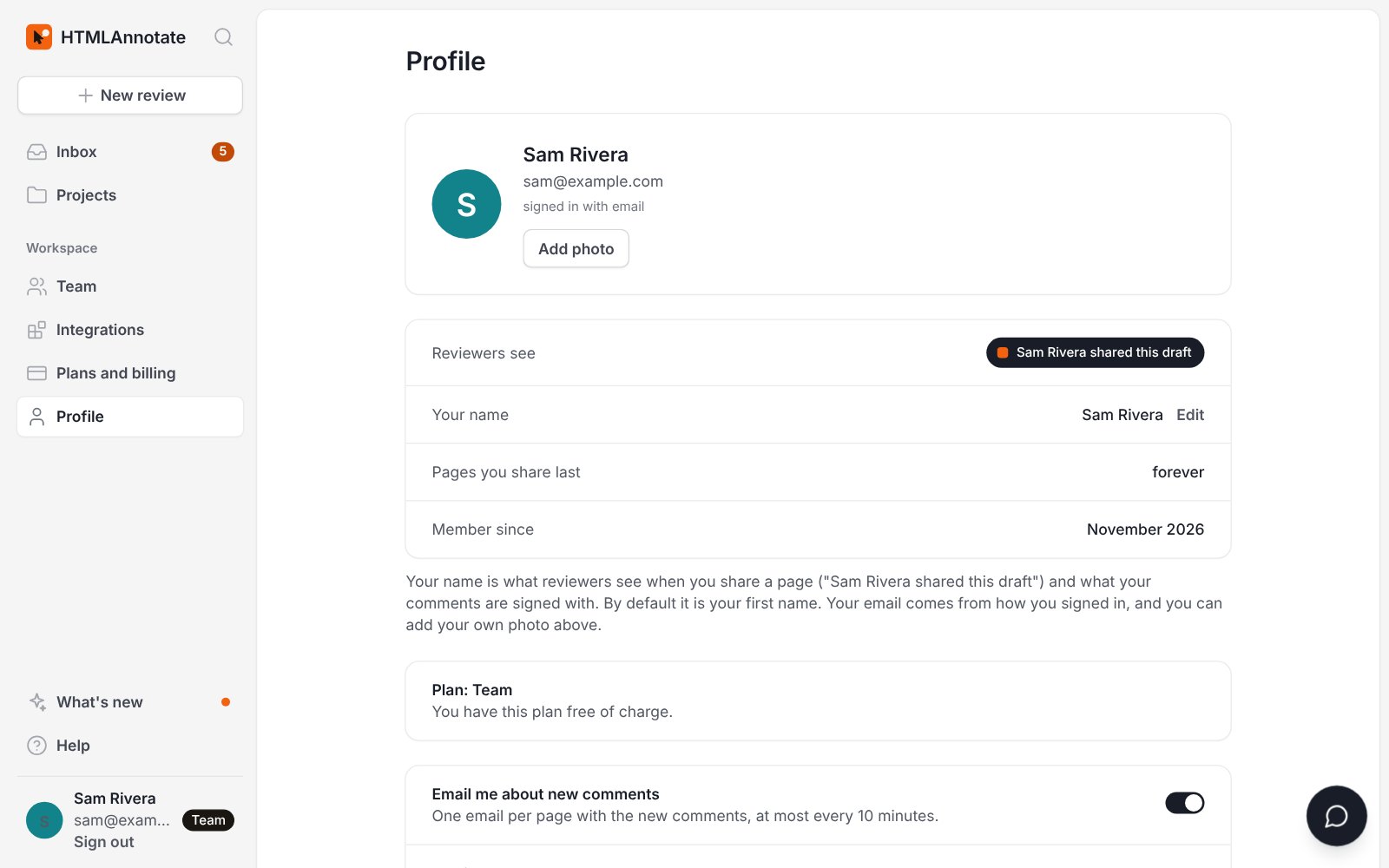
Your profile#
Open Profile to:
- Change the name people see on your comments, mentions and emails.
- Switch emails on or off: comments, approvals, the quiet review reminder and tips.
- See Connected AI apps (from the signed-in MCP connector) and press Disconnect to cut one off straight away.
- Open billing, and sign out.
Written by the HTMLAnnotate team · Updated 23 November 2026 · View as Markdown · Something unclear? Tell us