Custom link names
Every review link ends in a short random code. On Pro and Team you can change it to something people recognise, like htmlannotate.com/v/acme-homepage.
Rename a link#
Open the project from Projects.
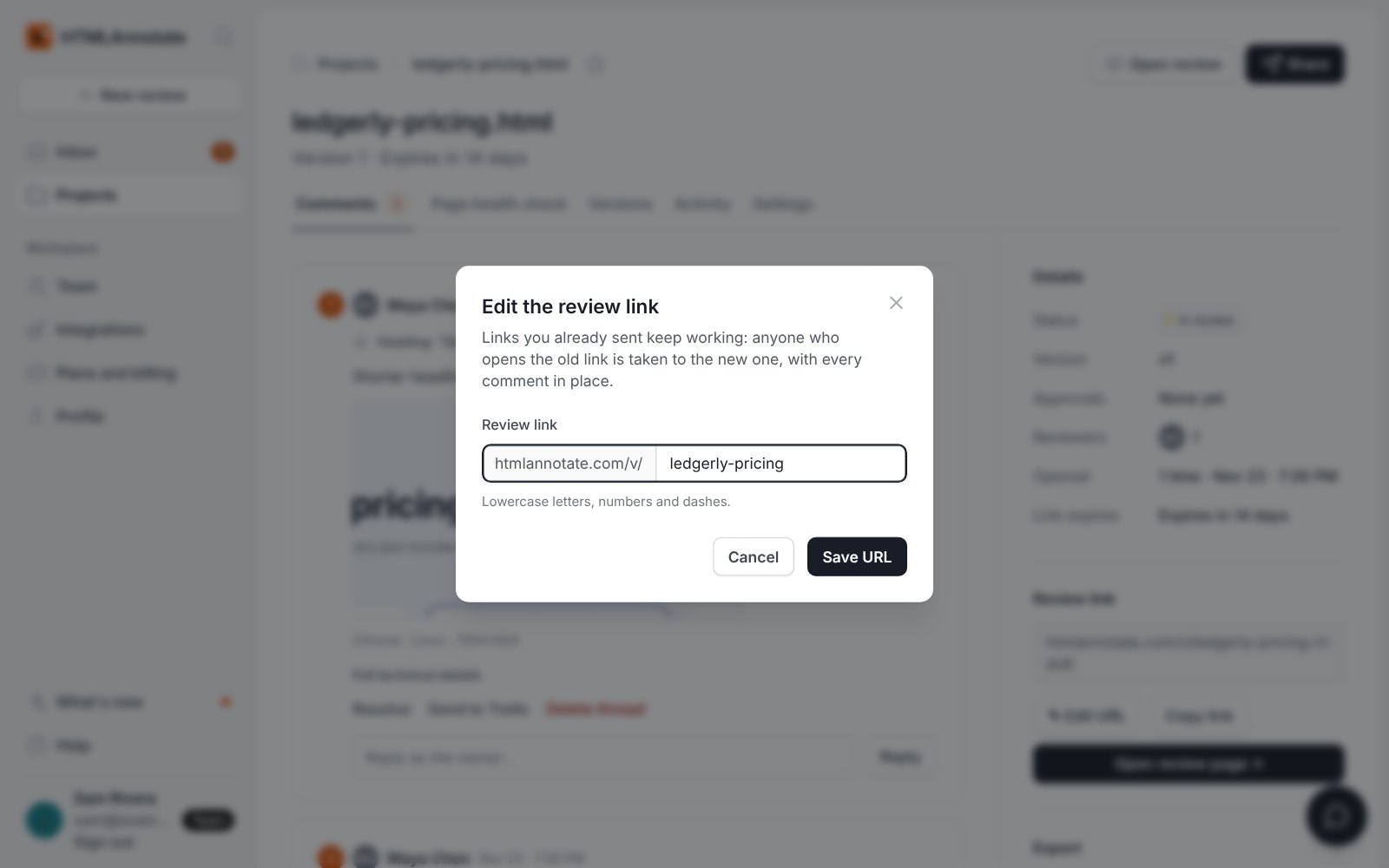
In the Details column, under Review link, press Edit URL.
Type the new name and save. The new link works straight away.
Rules for names#
- 3 to 48 characters.
- Lowercase letters, numbers and single dashes. No spaces, and no dash at the start or end.
- Each name can only be used once across HTMLAnnotate. If it's taken, you'll get two suggestions.
Links you already sent#
They keep working. Earlier names forward to the current one, so a link in an old email still opens the page. To go back to the original code, type it in as the name.
On Free, Edit URL shows with a lock and the note On Pro and Team. See Plans and limits.
Written by the HTMLAnnotate team · Updated 23 November 2026 · View as Markdown · Something unclear? Tell us