Share your first page
You can have a review link in under a minute. Pick the way that matches what you have: a link, a file, or some HTML on your clipboard.
Before you start#
You can share without an account. Links made that way last 1 day, and you can make up to 3 a day. Sign in with Google or an email code (it's free) and links last up to 14 days and show in Projects. On Pro and Team they never expire.
Share a page#
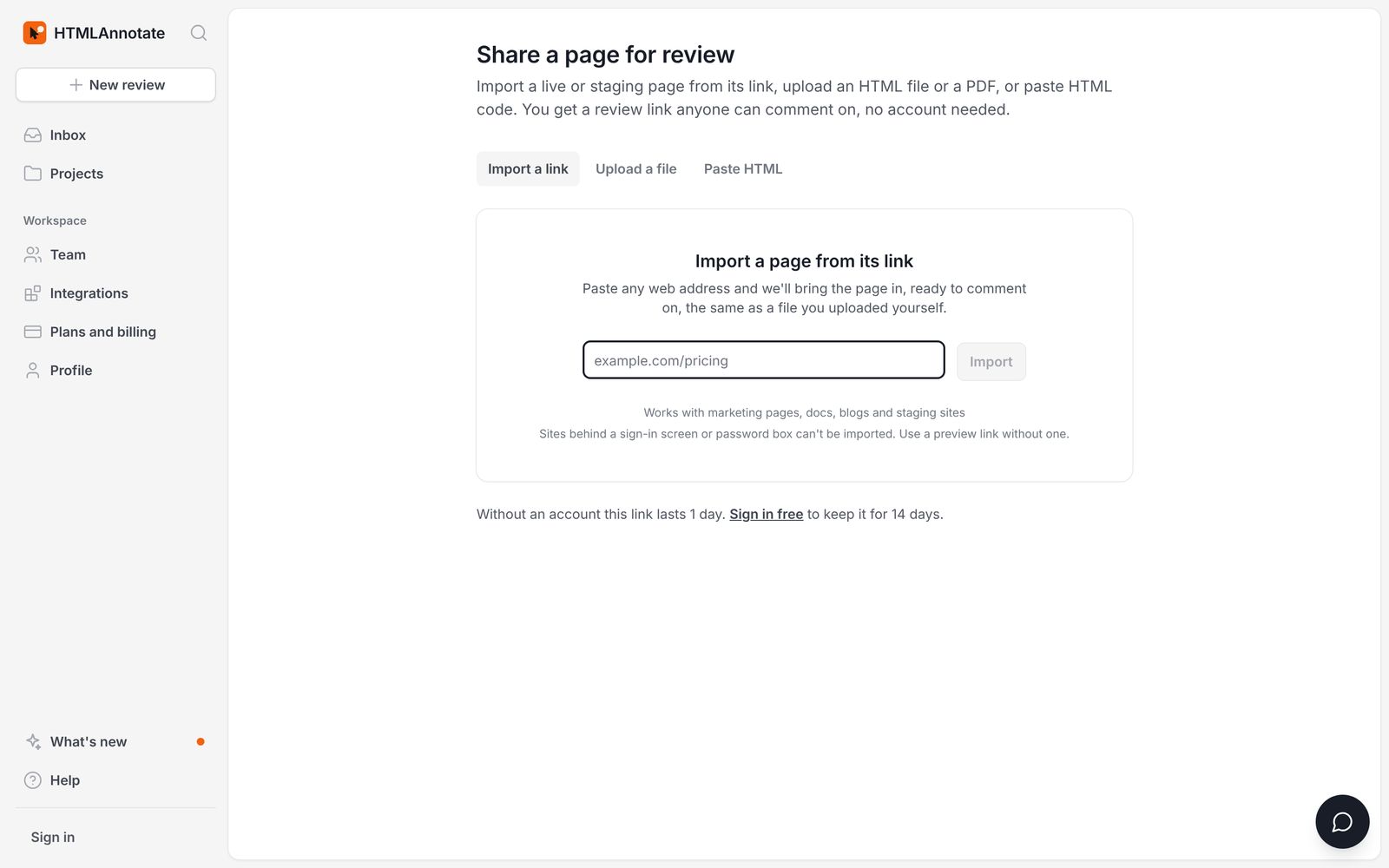
Open New review (or New review in the app's sidebar).
Pick one of the three tabs:
- Import a link for a live website, a staging link or a deploy preview. Type or paste the address and press Import.
- Upload a file for one HTML file or a PDF. Drop it on the box or choose it from your computer.
- Paste HTML for code on your clipboard, like an email from Mailchimp or a page an AI tool wrote.
Wait a few seconds while the page is checked and saved. You land on the project page with your review link at the top.
Press Copy link and send it to your reviewers by email, chat or however you normally talk to them.
What you get back#
- A review link to send. It opens the page with the comment bar, on desktop, tablet or phone.
- A project page for you, with comments, the page health check, versions, activity and settings.
- A manage link if you shared without signing in. It's the only way back to the comments, so bookmark it.
Shared without an account? The review link and its comments are deleted after 1 day. Sign in before you share anything you need to keep.
What can be shared#
| You have | Use | Read more |
|---|---|---|
| A live site, staging link or preview | Import a link | Live sites and staging |
| An HTML file | Upload a file | HTML files |
| HTML code, like an email | Paste HTML | Paste HTML |
| A PDF | Upload a file | PDFs |
| A page your AI tool wrote | The MCP server, or Paste HTML | MCP server |
Standalone images, videos, ZIP files and native phone apps can't be shared.
Written by the HTMLAnnotate team · Updated 23 November 2026 · View as Markdown · Something unclear? Tell us