Integrations
Send comment alerts to the chat app your team lives in, turn comments into Jira issues or Trello cards, or pipe every event into your own tools. Everything is set up on one page in the app.
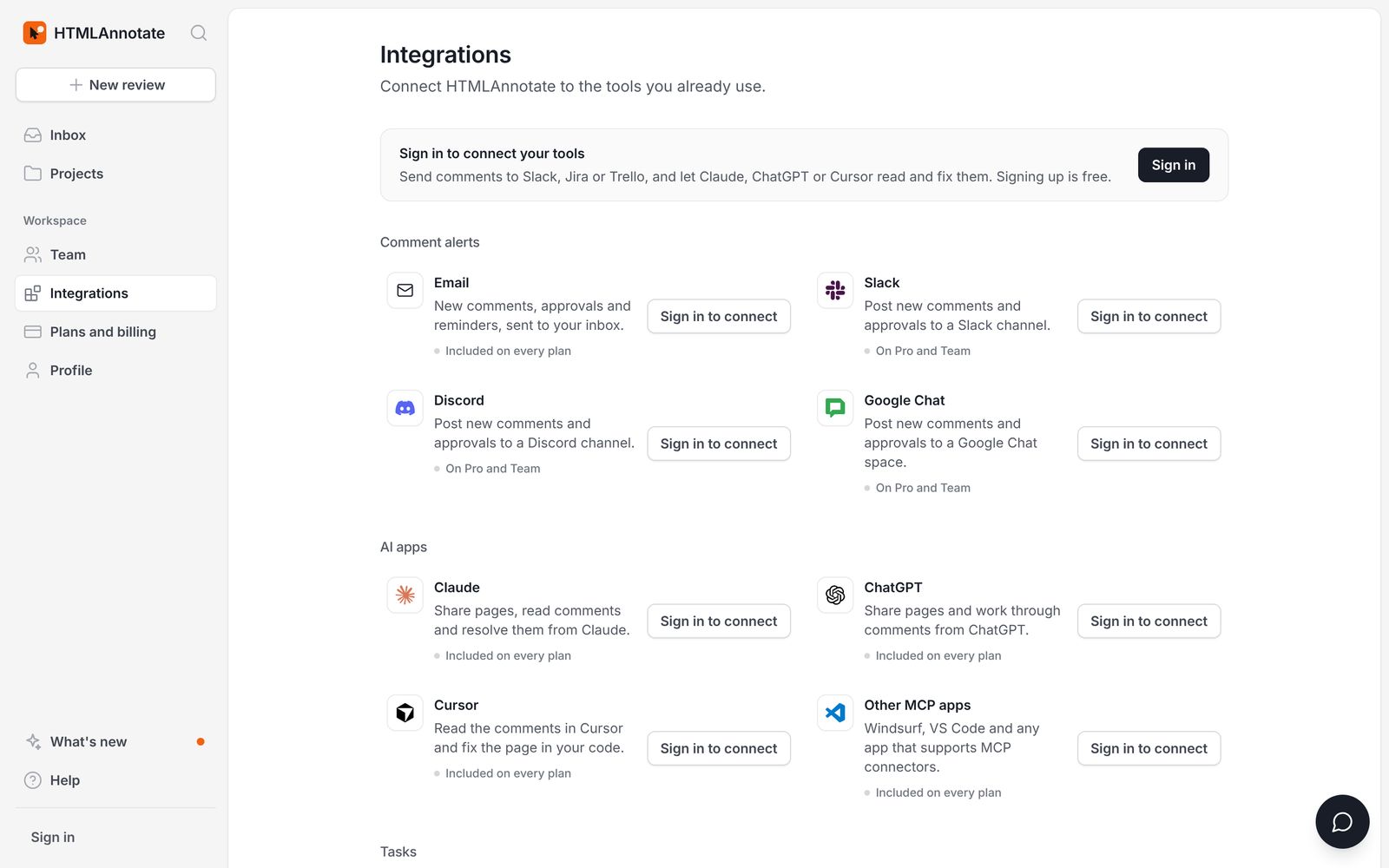
Where to set them up#
Sign in and choose Integrations in the sidebar (or go to /app/integrations). Each tool opens a side panel with short steps, a box for the address and a Send a test button.
Comment alerts#
 SlackPost comments and approvals to a channel.
 DiscordPost to a Discord channel, with no bot.
 Google ChatPost to a Google Chat space.EmailOn every plan. Choose which emails you get.
Turn comments into tasks#
 Jira
 Trello
Automations#
 ZapierSend comments to Sheets, Asana, Notion and more.
 MakeScenarios that start with a new comment.
 n8nWorkflows on n8n cloud or your own server.
Plans#
| Integration | Free | Pro and Team |
|---|---|---|
| Email alerts and digests | Yes | Yes |
| AI apps through the MCP server | Yes | Yes |
| Slack, Discord, Google Chat | No | Yes |
| Jira and Trello | No | Yes |
| Webhooks, Zapier, Make, n8n | No | Yes |
Team only comments stay inside your team: the comment, its replies and resolving it are never sent to Slack, Discord, Google Chat or webhooks.
You can connect as many as you like at once; each gets the same events. Reviewers never connect anything: integrations are set up once by the person who shares the page.
Written by the HTMLAnnotate team · Updated 23 November 2026 · View as Markdown · Something unclear? Tell us