Labels, priority, status and assignees
Once comments pile up, a few small tools keep them in order: labels for the kind of change, priority for what matters most, a status, and a person to fix it.
Labels#
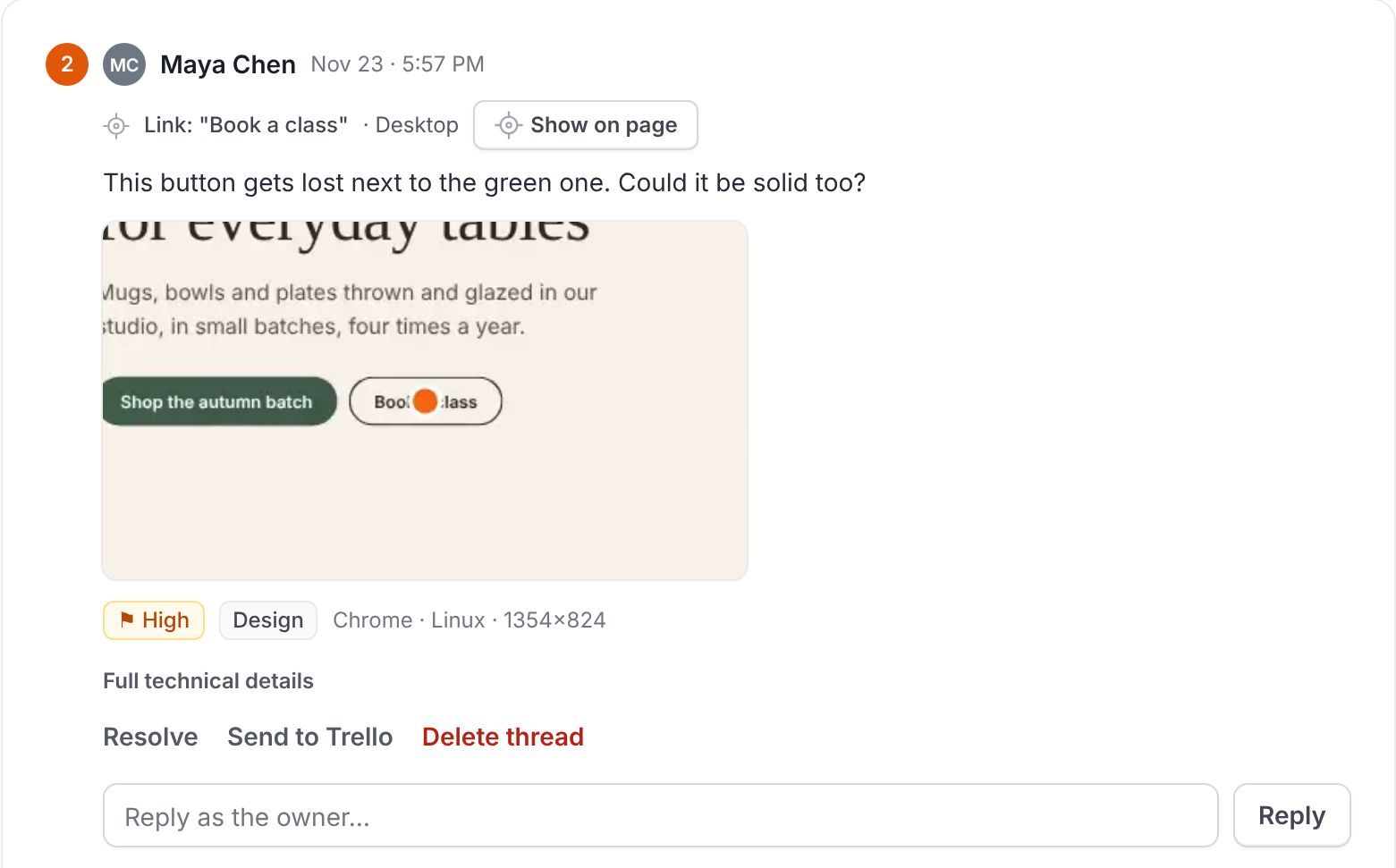
Tag a comment with up to three labels: Bug, Copy, Design, Question or Idea. Labels show on the comment and in the list, so it's easy to hand all the copy changes to one person.
Priority#
Set a comment to Urgent, High, Medium or Low, or leave it with no priority. Urgent shows in red so it stands out in the list.
Status#
| Status | When to use it |
|---|---|
| Open | New comments start here. |
| In progress | Someone is working on it. Everyone can see it's being handled. |
| Resolved | The change is made. Everyone in the thread gets an email. |
Assign to a teammate#
Hand a comment to someone on your team. They get an email, and their name sits on the comment for everyone to see. Assigning needs a team, which comes with Pro and Team.
Search and filter#
Find any comment or reply by a word, a name, a label or its number, like #4. Filter the list to open, in progress, assigned or resolved. Search works on the review page and in your dashboard.
@mentions#
Type @ in a comment or reply to tag a teammate or anyone who has already commented. They get an email, then hear about every reply and when it's resolved. More in Tag someone into a comment.
Your AI tool sees labels, priority, status and assignees too when it reads comments through the MCP server.
Written by the HTMLAnnotate team · Updated 23 November 2026 · View as Markdown · Something unclear? Tell us