Inbox
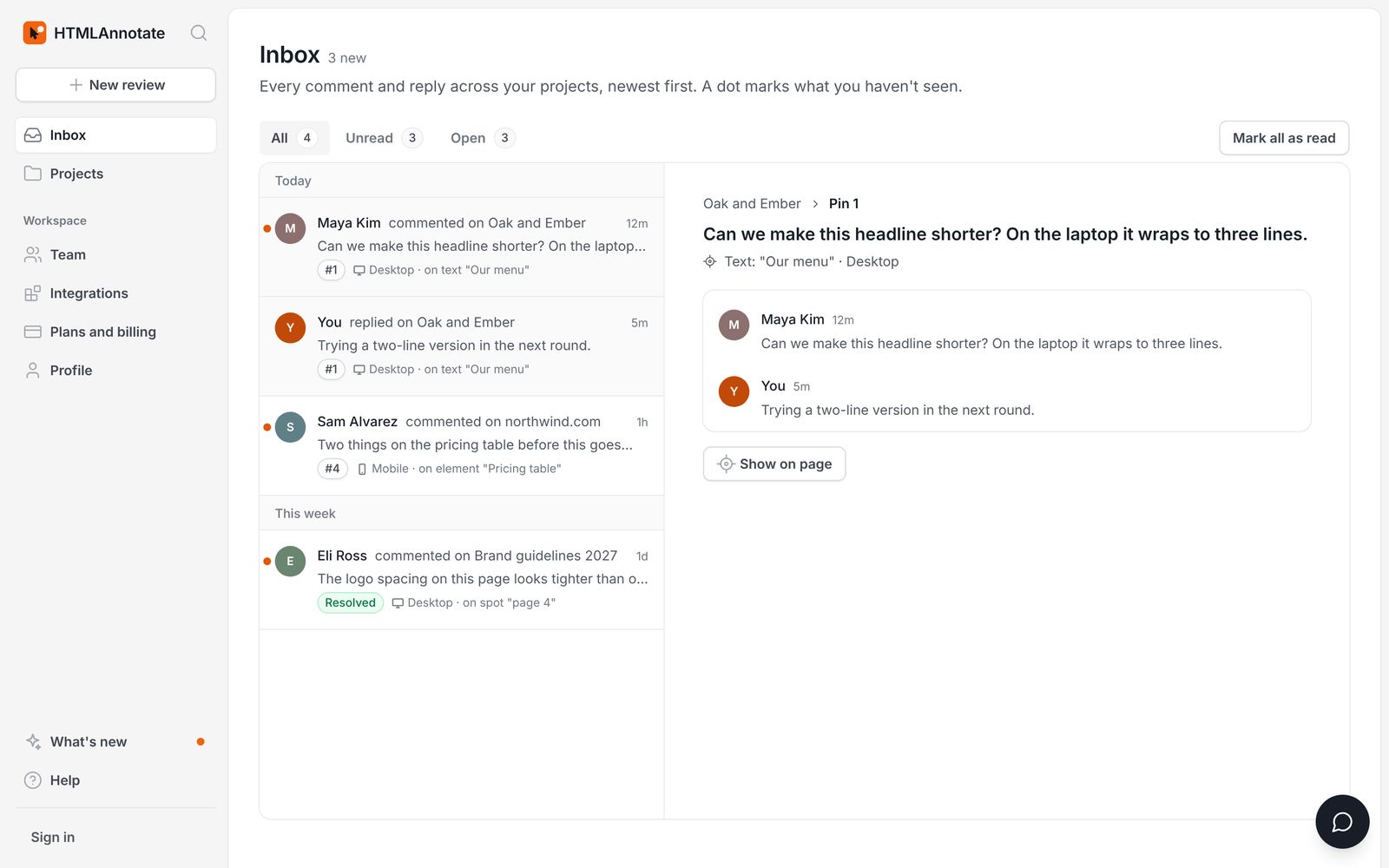
The Inbox gathers every comment and reply across all your pages, newest first, with a dot on anything you haven't seen yet.
Work through the Inbox#
- Click a comment to open the whole thread. On a wide screen it opens beside the list.
- Reply, resolve or reopen right there.
- Jump to the comment on the page, in the view it was left in, or to the project.
- On Pro and Team, Send to Jira and Send to Trello sit on each comment once they're connected.
What's included#
Comments and replies on every page you own, plus your team's shared pages. Archived reviews are put away: their comments stay on the project page, not in the Inbox. Team only comments show for you and your teammates as usual.
The Inbox count in the sidebar shows how many items are new since you last looked.
Written by the HTMLAnnotate team · Updated 23 November 2026 · View as Markdown · Something unclear? Tell us